5 Pro Tips to Unban a Tarkov IP
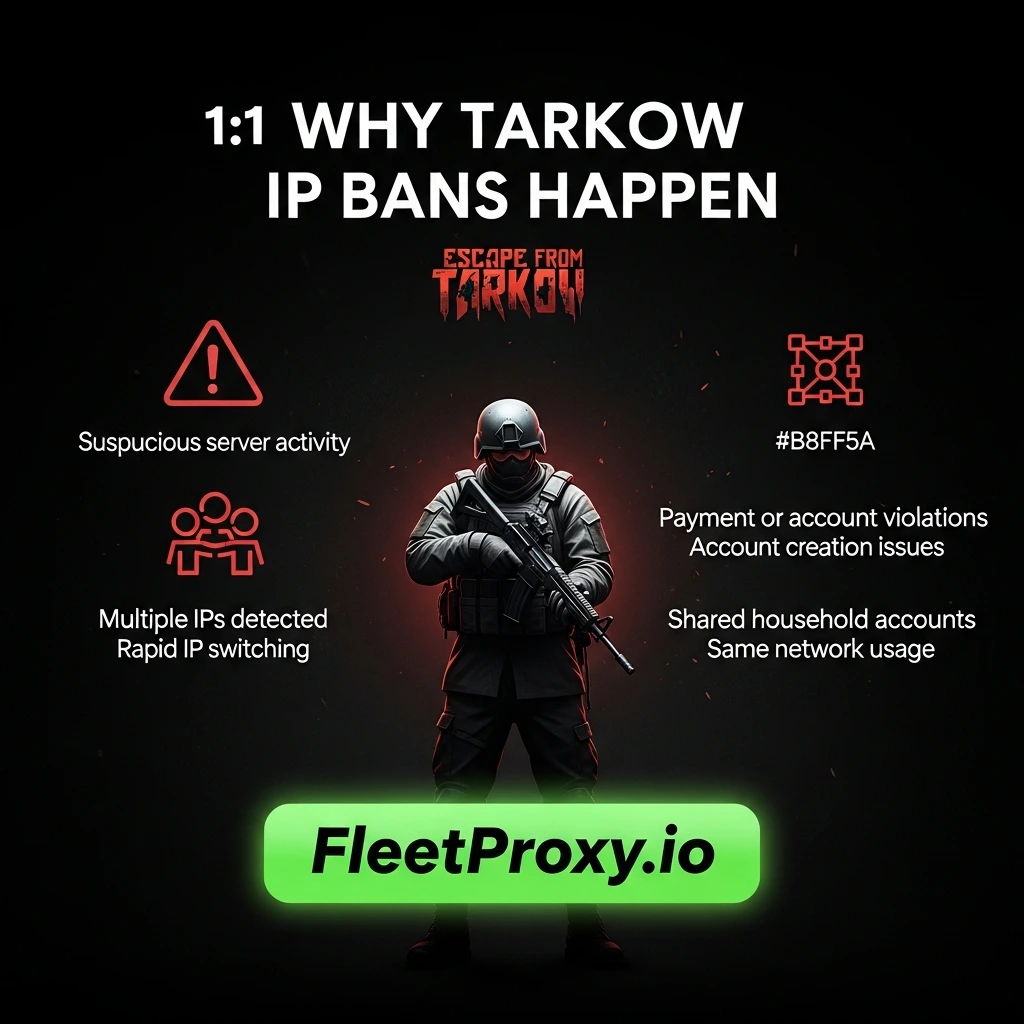
It’s annoying having your IP banned in Escape from Tarkov. It is typically caused by one of the following reasons:
• Repeated violations of our terms of service during payment or account creation
• Suspicious activity on the server
• Several IP addresses in a short amount of time (as happens with proxies and VPNs)
• Multiple accounts within the same household, although it shouldn't happen often
If your IP was banned, you would not be able to log in, play, or even get on the launcher. The good news is that it is possible to get back or bypass a banned IP legally and safely.
We will discuss in this guide 5 professional tricks to assist you with unbanning your Tarkov IP while securing your account. All tips are well explained to make it simple for you to apply.
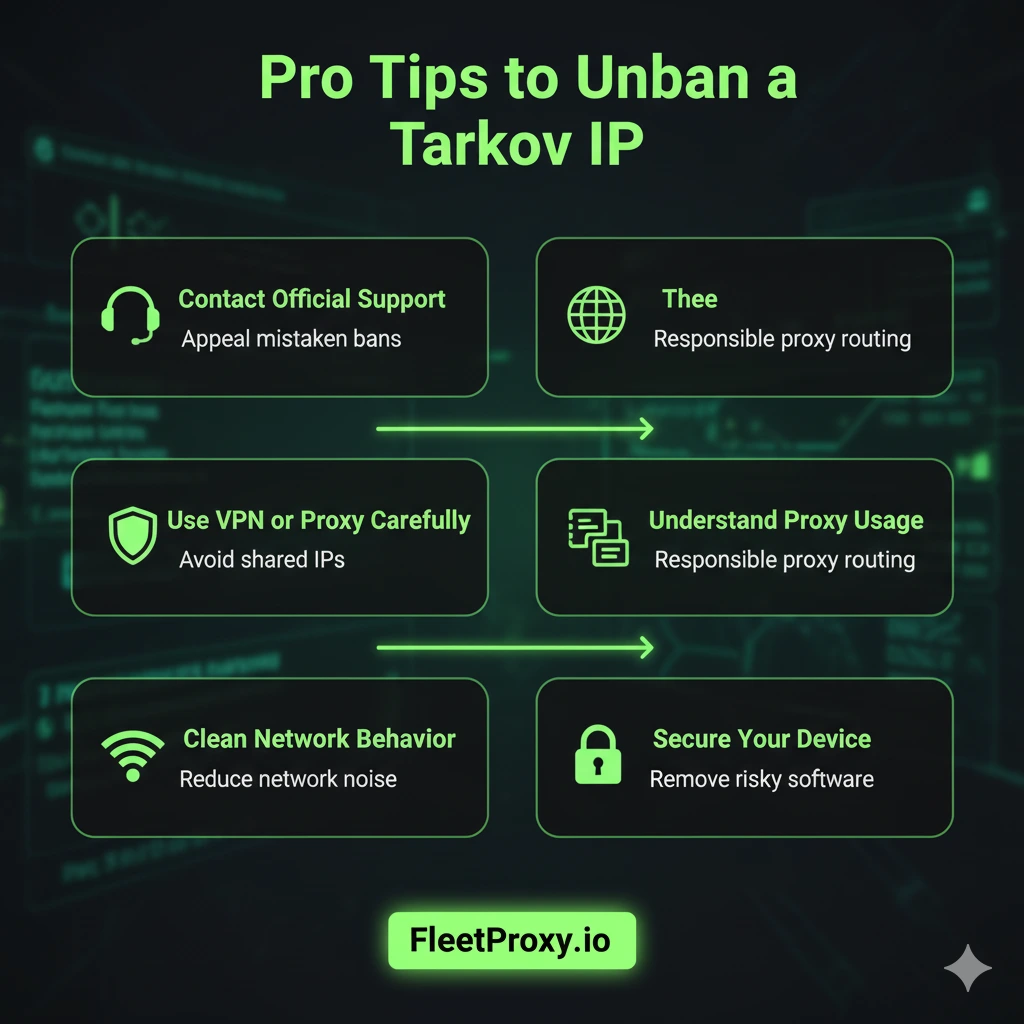
1. Contact Support Immediately
The starting point is obviously getting in touch with Tarkov’s official support. Occasionally, bans can be triggered automatically because of strange activity, and good accounts may fall through the cracks.
When contacting support:
• Enter your username and account information
• Explain the situation clearly
• Inquire whether the ban can be reconsidered or lifted
Oftentimes, support is the safest and quickest option for getting an IP ban resolved. Don’t attempt various tricks if you are not aware of what caused a ban, as that only aggravates the situation.
Also Read: Getting an IP Banned Sneaker Bot
2. Use a VPN or Proxy Carefully
A VPN or proxy can hide your real IP and allow you to reconnect to Tarkov servers. Not all VPNs are suitable for gaming, so choose a reputable service to prevent problems.
Select servers close to your location to reduce latency. Avoid free VPNs or shared IPs, which are often flagged. Gaming-focused VPNs or proxies provide more stability and lower the chance of detection.
3. Declutter Your Network Signals
So many players forget that an IP ban usually follows a trail of what your network's up to. The system could react if the network issues unusual signals.
Here are some elements that players often consider:
• Router resets
• Device changes
• Background apps
• Auto-running tools
• Older VPN apps
• Shared Wi-Fi behavior
And you don’t have to be tech-savvy. You just need to guarantee the network is operating in a normal kind of way. Clean and consistent data is favored by Tarkov’s anti-abuse system.
A clean network lessens the likelihood of recurrence issues. It also prevents your devices from slow speeds and dropped connections.
4. Learn How Proxies Fit Into the Picture
Whenever gamers mention IP bans, the term proxy inevitably comes up in discussion. A proxy is a user's alternative route to the internet.
It functions as a kind of in-between that carries your traffic to the destination. Some players use proxies for privacy, game theory, location-based access, or network testing.
Proxies come up in the IP-ban case because:
• They use a different IP
• They obscure the actual network path
• They are often cleaner than shared Wi-Fi
• They also attenuate in the network signals noise
• But here is the key point:
Going through a proxy doesn't mean anything. There are rules in any system. A proxy is simply a carton that changes the way connection is sent. It is not a magic fix.
The key is to understand what a proxy actually is and why players will use them. Proxies are useful for testing, redundancy, and privacy, but should always be handled responsibly.
5. Protect Your Account and Devices
Insecure machines can also trigger an IP ban. The game may interpret suspicious behavior by your computer or network as a threat.
Simple safety habits help:
• Use an updated antivirus
• Avoid unknown software
• Keep your launcher updated
• Delete old cheat-related tools if previous users installed them
• Don’t let anyone else play on your game PC
• Refrain from using auto-clickers, even outside games
Tarkov’s system looks to spot anything that could affect the health of the servers. A device in good condition is less likely to trigger alerts. One of the easiest and often overlooked fixes for network issues is simply cleaning up your system.
6. Reach Out to Support the Correct Way
If you were incorrectly banned, the only team able to fully review your access and reinstate it is support. The way you talk to them counts.
Here is what helps:
• Be honest
• Be calm
• Explain what happened
• Keep your message short
• Share only the needed details
• Avoid blaming or using emotional language
When the message is clear and simple, support teams waste much less time reacting. Most players get unbanned after a few hours of review because their case was nothing more than a network flag.
Support exists for real issues. It is used all the time by players, and many can get it reversed once it is reviewed.
Bottom Line!
A Tarkov IP ban seems like a scary thing, but it’s usually related to network issues rather than retaliation. When you know your plug, your tools, your devices, and your signals, you become the master of it. Proxies, stable networks, clean machines, and communication help to stabilize your access and ensure it is secure.
FAQs
Q1: Why did Tarkov ban my IP address?
Ans: Tarkov system-level bans are automatically issued when it detects that an account has broken the game rules in some way.
Q2: Does using a proxy work with an IP ban?
Ans: A proxy can modify the routing of the network and IP address, but it isn't 100% guaranteed access by any means and should be used responsibly.
Q3: What is the best method of getting an IP ban looked at?
Ans: Email EFT support in a calm and well-written email explaining the situation, and wait for them to look into it.
Q4: Can you unban an IP ban through switching devices?
Ans: Unfortunately, an IP ban relates to the network you're connected from, and if you're on a wifi network that means any device using it will be affected.
Q5: Can you just get a perma banned IP in Tarkov?
Ans: Not always. Many are automated and can be undone after a support review.
Ready to try FleetProxy?
Residential proxies from $2.65/GB on real IPs across 100+ countries. Instant activation with 24/7 expert support.
Get StartedReady to try FleetProxy?
Residential proxies from $2.65/GB on real IPs across 100+ countries. Instant activation with 24/7 expert support.
Get StartedMore popular posts
Tips to Use a JP Web Proxy to Browse Japanese Websites Safely.
Have you ever clicked on a link to an exciting Japanese video, a regional news article, or a unique e-commerce site, only to be met with a frustrating error message? "This content is not available in your region." This digital barrier, known as geo-blocking, is a common hurdle for international fans of Japanese culture, researchers, and expats alike.

How to Use SOCKS5 Proxy on iPhone
SOCKS5 proxy is a safe connection protocol that directs your internet traffic over another server. This server covers your actual IP address and provides a new one.
How to Download Rarbg Proxies in 2025?
When RARBG went offline, it was like an era ended for torrent fans. RARBG was the most trusted place to get high-quality movies, TV shows, and games for years and it was free of the usual clutter and fake links.