5 Tricks to Bypass a 4chan IP Ban With a VPN
News01/12/2025, 10:004 min read
5 Tricks to Bypass a 4chan IP Ban With a VPN
Being thrown under the 4chan IP ban bus can be frustrating. It usually happens when the moderator has your IP address for breaking rules, using a shared IP with other bad users, or posting too fast.
Sometimes the ban is temporary, and sometimes it’s longer-lasting than anyone ever imagines.
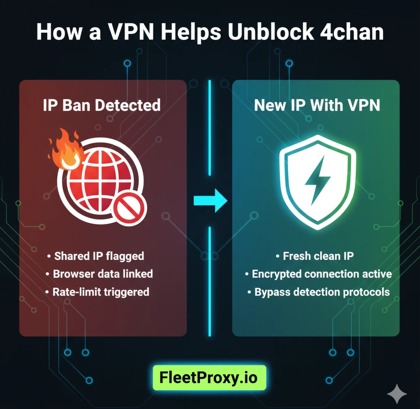
The good news? You can often get around it. A VPN is useful because it alters your IP address. But there’s a correct way to do it.
Here are five tricks for making the process easier, safer, and more reliable.
1. Switch VPN Servers Until You Find a Clean IP
The 4chan ban is an IP address ban, not a device ban. So the quickest trick is to switch your IP.
When you change servers in your VPN app, it assigns you a new IP address. But not all VPN IPs work. Others are even prohibited or marked as spam. This is why trial and error is important.
Pick a server. Load 4chan.
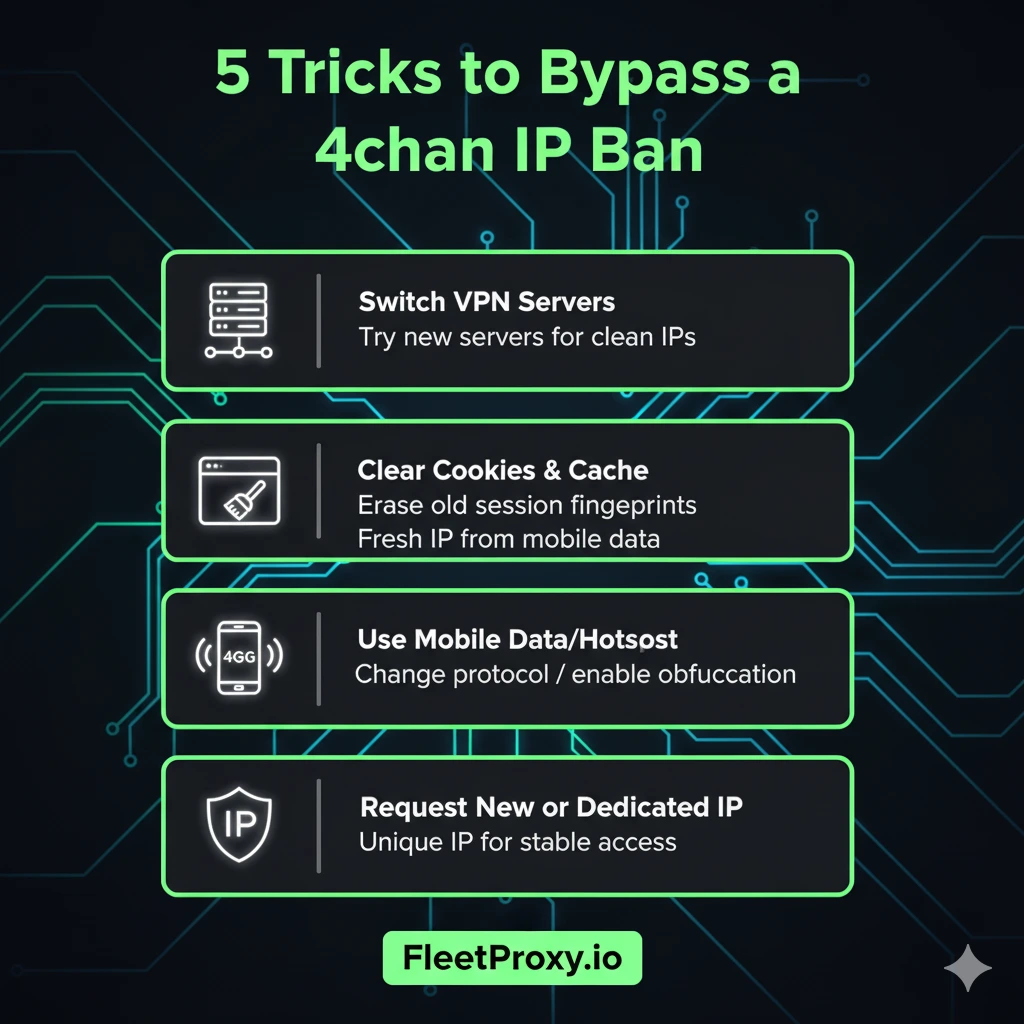
If you continue to get the ban message, try a different one.
A few VPNs indicate which servers are the least crowded. These frequently work better, since fewer users share the IP.
Tips:
• Try servers in neighboring countries for faster speeds.
• Do not use free VPNs, as a lot of their IPs are blacklisted already.
• If your VPN offers “dedicated IP,” use it. Dedicated IPs are rarely banned.
This is the most straightforward solution, and it often works after a couple of attempts.
Also Read: How to Track an IP Address
Clearing Your Cookies and Cache on the Browser Before Reconnecting
4chan may store user-level data in your browser. Even if you switch your IP, the browser can still associate you with the old banned session. That’s why it’s important to clear your cookies.
• Close 4chan.
• Clear cookies.
• Disconnect the VPN.
• Reconnect to a new server.
• Then reload the site.
That way, 4chan will recognise you as a new visitor. If you use multiple browsers, go through this process in all of them. For an extra layer of privacy, open a private window so nothing is saved in the first place.
Bonus tip: Some browsers hold onto cached data even after you clear it. If that doesn’t work, a complete restart of your browser or device can help wipe everything away properly.
Employ Mobile Network or Hotspot as a Low-Priority Backup
If the VPN process is causing you endless trouble, this is also a good alternative.
Your phone network provides you with a different IP from your home Wi-Fi. So he said ditching the WiFi and using 4G/5G mobile data or creating a hotspot circumvents most bans immediately.
• Turn off Wi-Fi.
• Switch to mobile data.
• Load 4chan again.
If it’s effective, you can reconnect the VPN on mobile internet later for an added layer of privacy.
The good news is that this method works better since mobile ISPs change your IP more frequently. If anything, it is a good last-ditch temporizing measure when the VPN IPs keep getting blocked.
Switch VPN Protocols or Turn On Obfuscation
Some bans or blocks are simply 4chan detecting too many users of VPNs under a particular protocol.
Switching the VPN protocol you use can give you a better chance of being seen as an “average” user who’s not using a well-known server to route traffic.
Protocols you can try:
• OpenVPN
• WireGuard
• IKEv2
• Lightway (on some VPNs)
WireGuard is speedy but occasionally more visible. OpenVPN, along with obfuscation, is also used to disguise the VPN use as normal HTTPS.
If your VPN offers “Stealth,” “Camouflage,” or Obfuscated modes, turn them on.
This takes out the risk of 4chan calling your connection. It can also save you on rate limits or soft bans for over-the-top amounts of VPN traffic.
Request New IPs Directly From Your VPN, or Use a Single Dedicated IP When You Connect to It
Before you choose a VPN, see if they have the option for clean IP ranges. It’s a secret trick, but it works very well.
If a lot of C.S. complaints are made for account bans, VPN support will usually refresh their pool or suggest servers that aren't blacklisted.
You can also opt for a dedicated IP. This gets you a unique private IP used only by you. You are far less likely to get banned since no one else uses it.
You can purchase dedicated IPs if you want to have stable access, consistent posting, and avoid having CAPTCHA issues.
Reasons dedicated IPs help:
• No spam behavior from others
• No mass bans
• Less captcha
• Faster moderation trust-building over time
For regular 4chan posters/readers, this method will give you the benefit of long-term retention.
Closing Remarks!
It's not that hard to evade a 4chan IP ban if you know what you're doing. A VPN does make a difference, but it has to be the right one. Changing servers, cleaning out your browser, experimenting with your mobile network, cycling through protocols, and using refresh buttons can all help to a certain degree.
FAQs
Q1: Can you bypass a 4chan IP ban with a VPN?
Ans: Yes. A VPN provides you with a new IP address, and that’s usually enough to bypass an IP ban.
Q2: Why does the ban message also appear on some VPN servers?
Ans: Some VPN IPs were already on the blacklist. Changing the server or using a Dedicated IP resolves it generally.
Q3: Should I clear cookies when switching between VPN servers?
Ans: Yes. Even if you have a new IP, your cookies can connect you to the previously banned session. Clearing them prevents this.
More popular posts
Tips to Use a JP Web Proxy to Browse Japanese Websites Safely.
Have you ever clicked on a link to an exciting Japanese video, a regional news article, or a unique e-commerce site, only to be met with a frustrating error message? "This content is not available in your region." This digital barrier, known as geo-blocking, is a common hurdle for international fans of Japanese culture, researchers, and expats alike.

How to Use SOCKS5 Proxy on iPhone
SOCKS5 proxy is a safe connection protocol that directs your internet traffic over another server. This server covers your actual IP address and provides a new one.
How much does an IP address cost in 2025?
The IP address cost in 2025 varies across regions. Larger blocks are cheaper per IP but costly overall, while smaller blocks offer more stability, clarity and security. No matter the option, understanding these trends helps businesses make smarter and more cost-effective decisions